What you get when you join
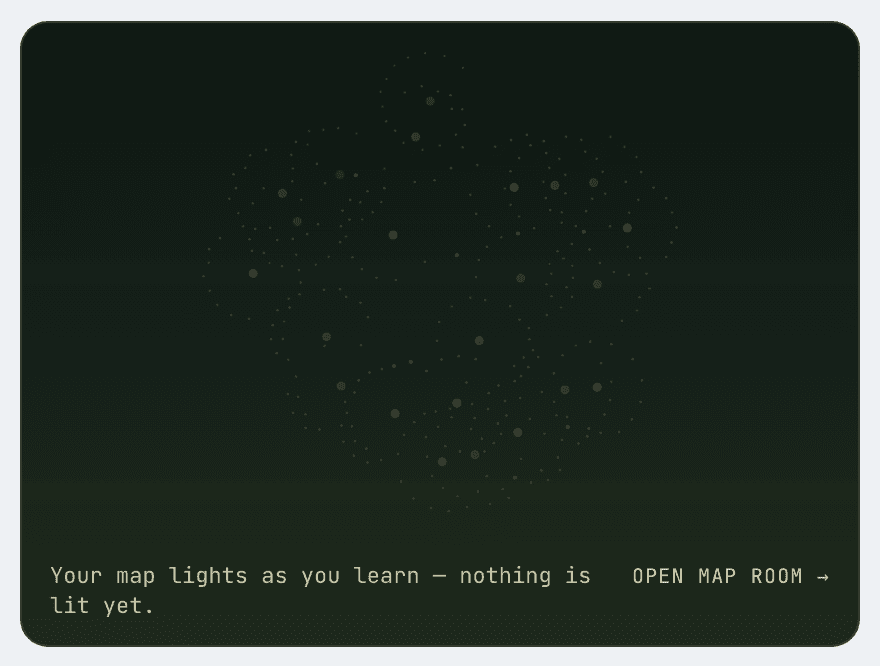
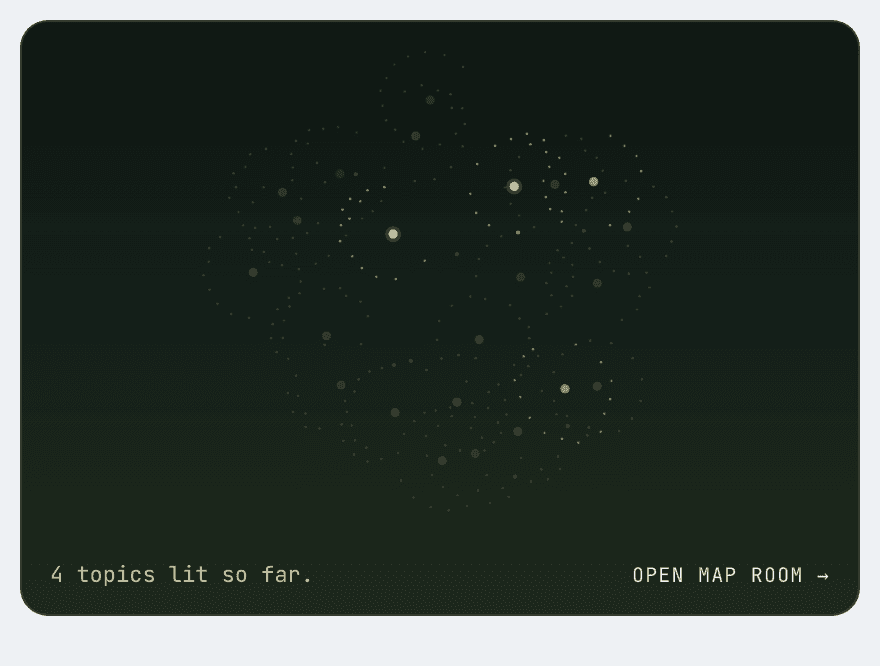
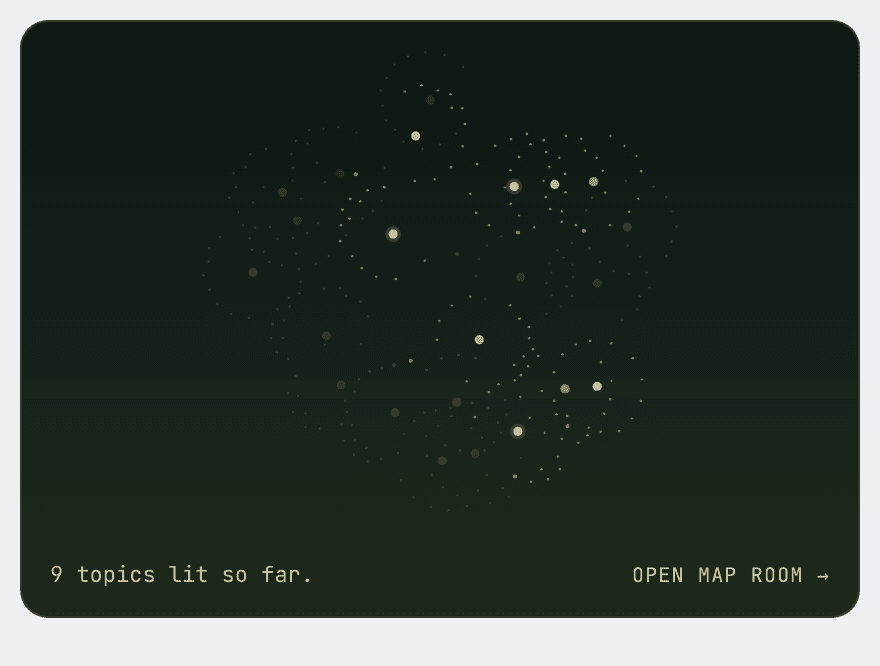
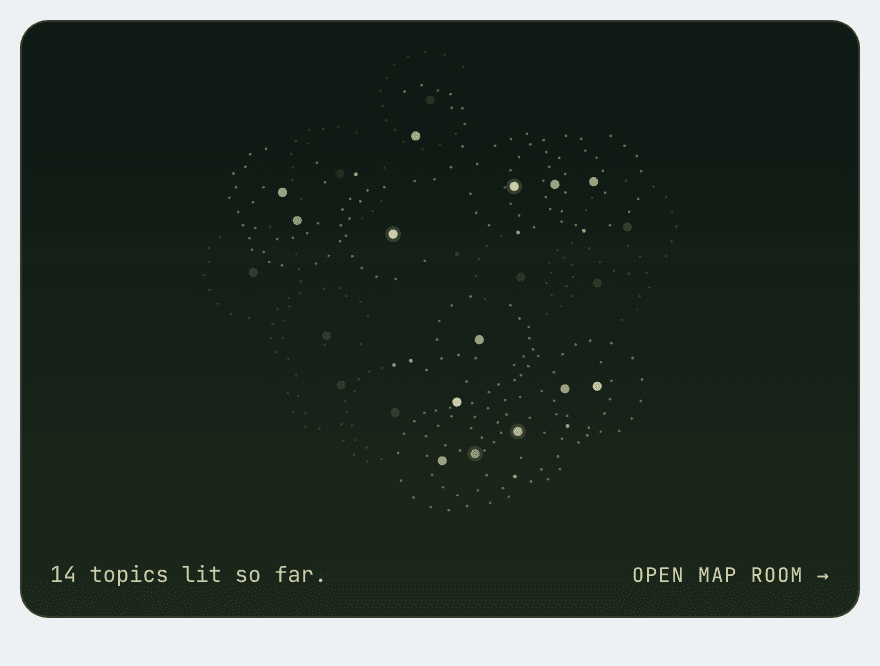
Four screenshots follow in order. First the topic map you see when you sign in, then one topic’s Learn, Explore and Revise bands. The map is a demonstration of how it fills in as you work through the course; no student’s account is shown. The other three are the pages as they are.
The studio map
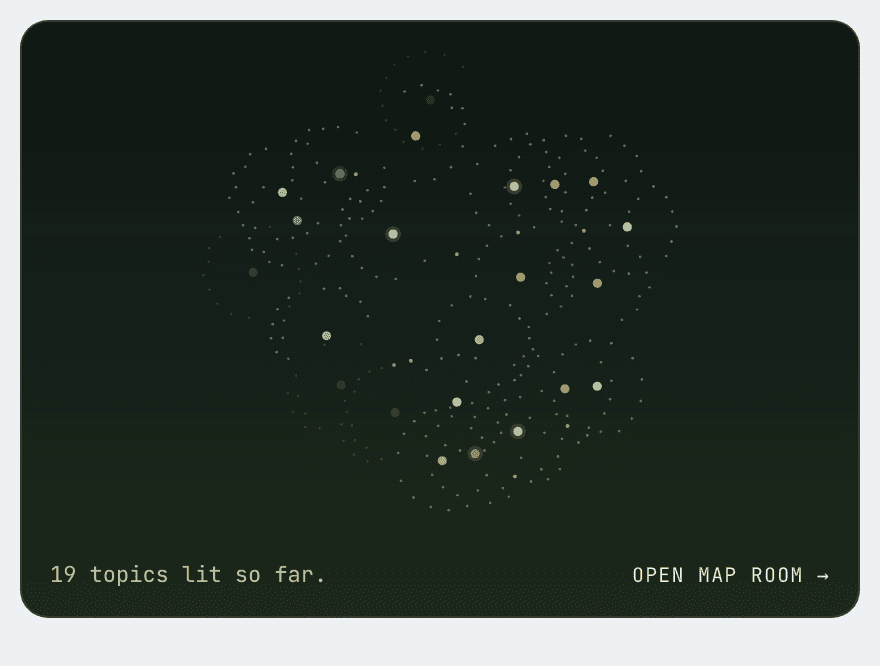
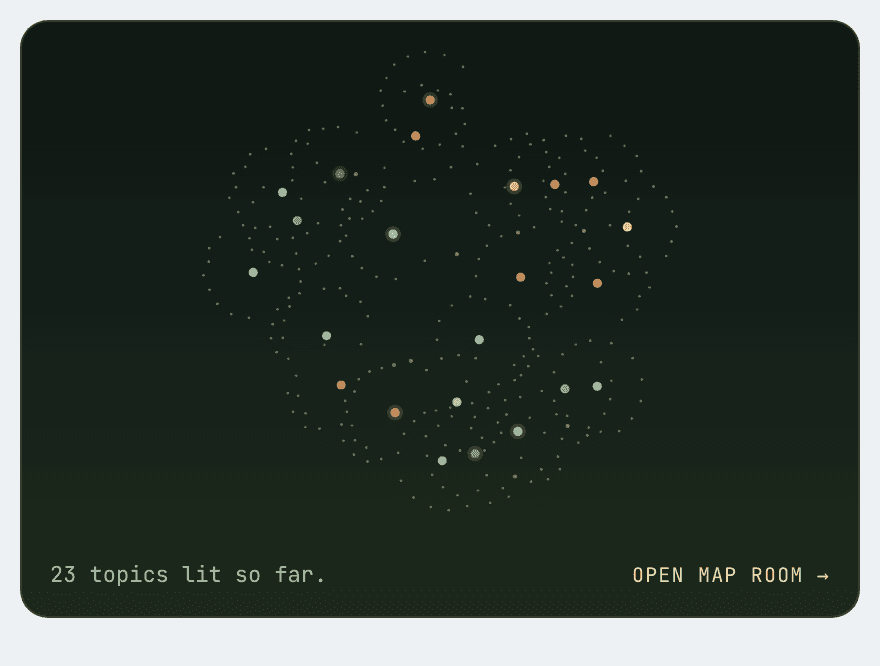
It fills in as you learn
When you sign in you see all 23 topics drawn as one map. It starts empty and lights up as you work through the course. There are no invented percentages or streaks; a topic lights when you have done something in it.
Inside a topic · Learn
Assumes nothing, one idea at a time
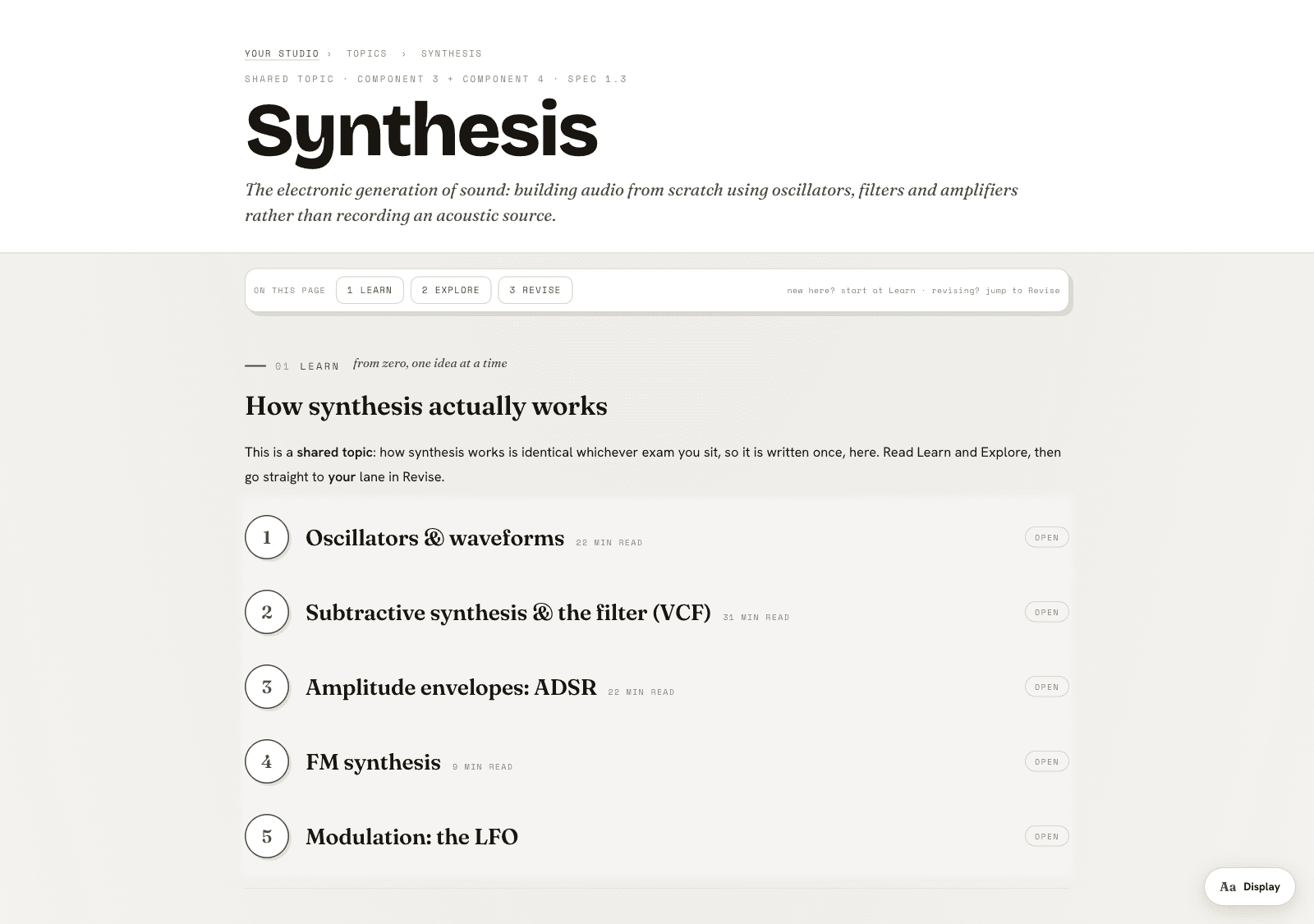
Open a topic and it starts with Learn, a run of numbered chapters that assume no prior knowledge, each one sourced. Synthesis (the first topic built, and the template every other topic follows) opens with “Oscillators & waveforms”, drawn from a named textbook and tagged so you know what is foundational before you read on.
Inside a topic · Explore
A live instrument in its own tab
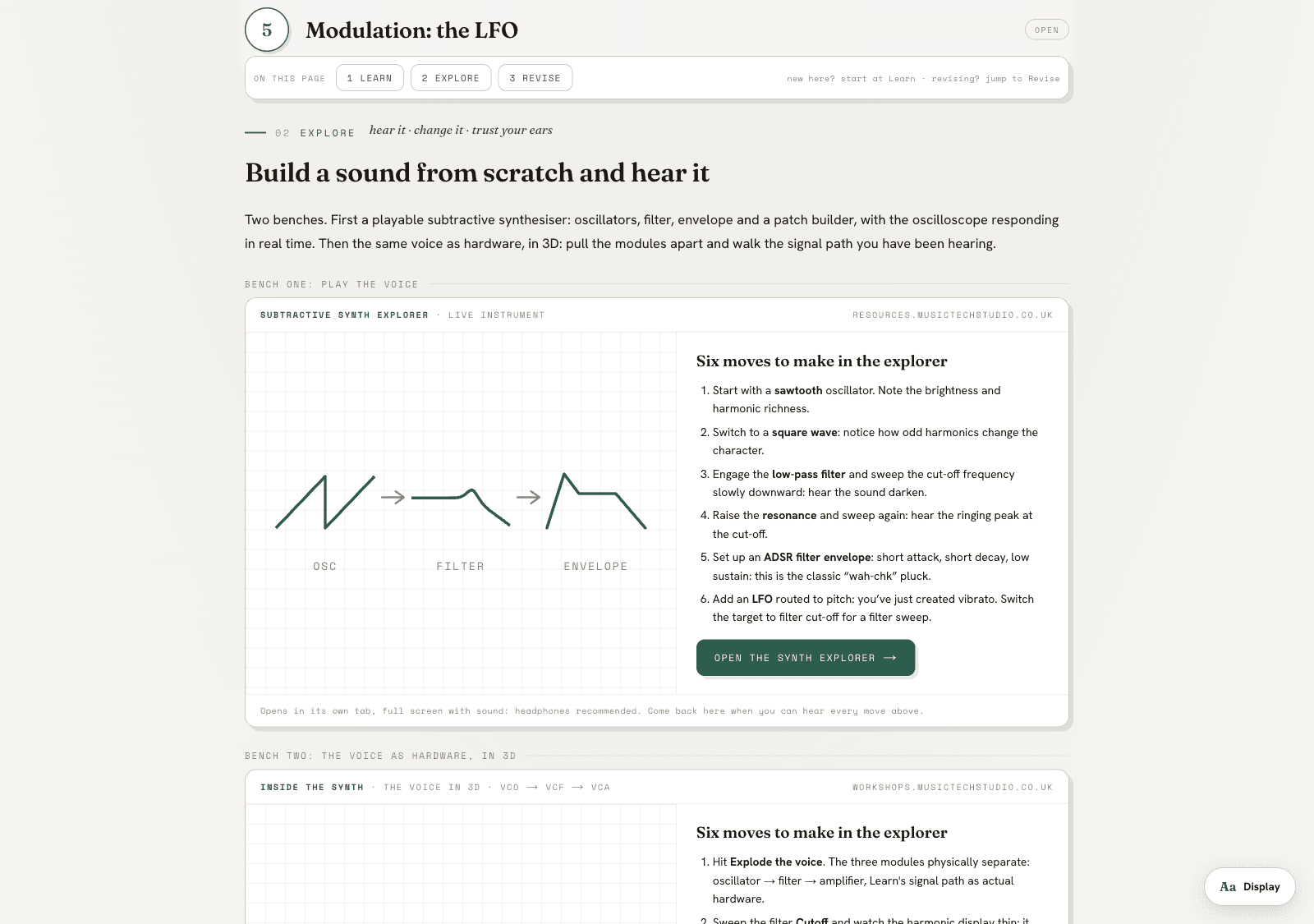
Explore gives you a live instrument with the moves to make listed beside it. It opens full screen with sound, in its own tab. This is the same Subtractive Synth Explorer already open to anyone from the free bench; inside a member topic it sits as the second of three bands.
Inside a topic · Revise
The comparison plate, split by your paper
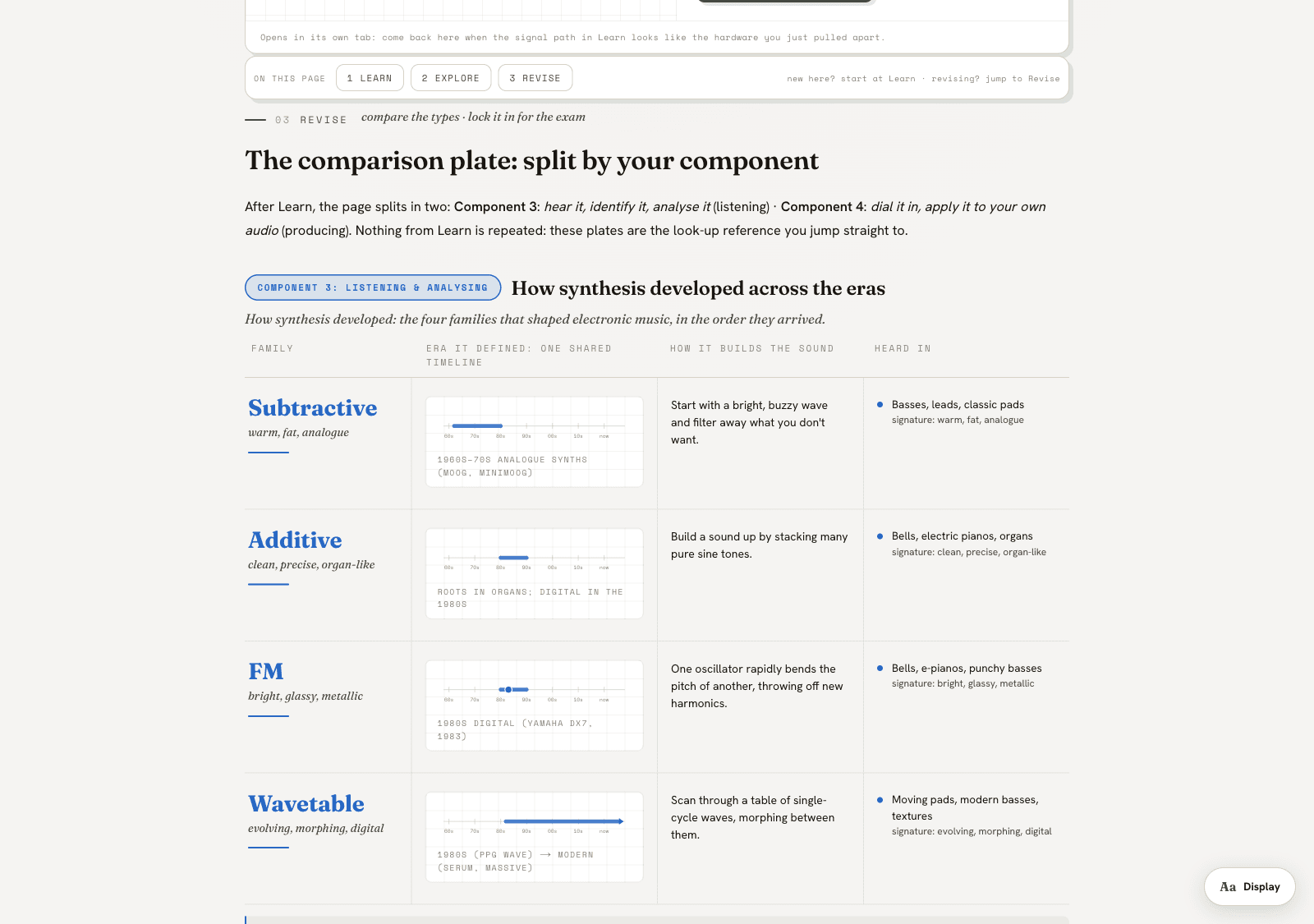
Each topic closes with Revise. A comparison plate is split by component (Component 3’s listening lane, Component 4’s producing lane), followed by the spec’s own wording, stems and mark schemes from past papers, and the traps examiners keep reporting. If you are sitting one component only, a Focus setting on each topic page lets you study Component 3, Component 4 or both, and the other lane dims.
The fifty tools are free. £49 a year adds the map and each topic’s Learn, Explore and Revise bands. It covers one student and you can cancel at any time.
£49 /year
Join at member.musictechstudio.co.uk